
How to facilitate a decision meeting
Most decision meetings drift, loop, or end without a clear outcome. Here's how to structure one that actually lands.
Most decision meetings end without a clear answer. People talk, time runs out, and everyone leaves unsure what was actually decided.
It doesn’t have to go that way.
Get people ready before you start
Not everyone walks in ready to think. One person just came from a stressful call. Another hasn’t thought about this topic yet.
Use the Pre-Start to set the tone. Show the meeting goal on screen the moment people join. Add some focused music and a countdown timer. By the time you open the meeting, people know why they’re there and what’s expected.
No extra work. Just using the time that was already there.
Find out where people stand before the discussion
Most decision meetings get stuck because nobody checked where the disagreement was before the talking started.
If the decision is clear-cut, run a quick Short Poll first. One question, a few options. You see where the group stands before anyone has argued their case.
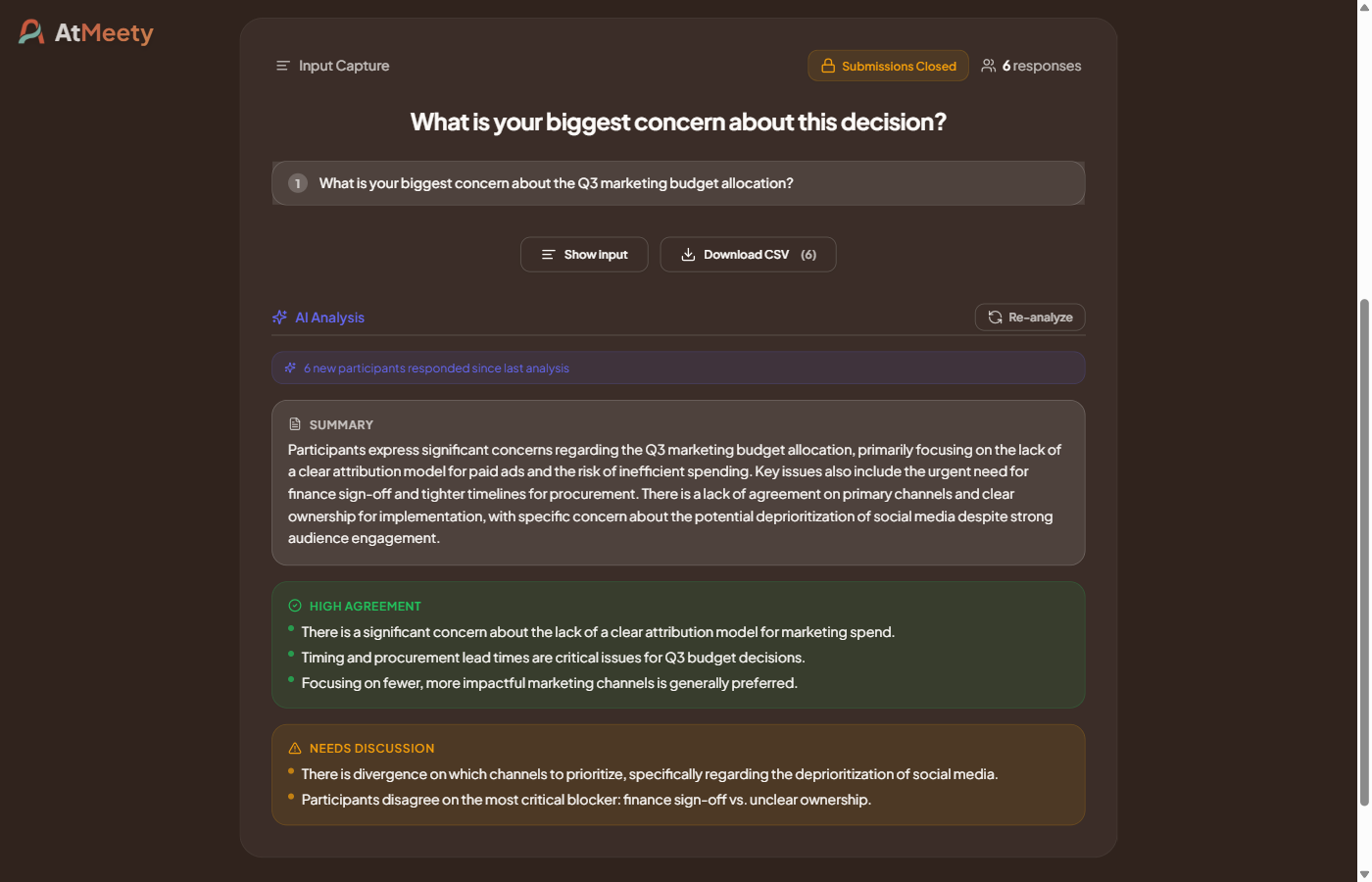
If it’s more complex, use Input Capture. Ask: “What’s your biggest concern about this decision?” Everyone types their answer. Then trigger the AI summary: it shows where people agree and where there’s still work to do. Two minutes, and you actually know what you’re walking into.
Set a clear goal for the decision
Every agenda item in AtMeety can have an explicit Goal: what type of outcome you need, what specifically has to be decided, and whether the presenter needs to confirm it before moving on.
That last part matters. When confirmation is required, the meeting doesn’t move forward until the goal is marked as done. No skipping ahead. No “let’s revisit this.” Either you decided something, or you didn’t.
Write the outcome in one sentence before moving to the next item.
Leave with a clear list
A meeting that ends without next steps hasn’t really ended.
AtMeety keeps track of action items as you go. When the meeting closes, everything is grouped and ready to copy into Slack or an email. Everyone knows what was decided and who does what.
We covered how to set the right tone before a meeting in a previous post. That part matters too, especially for high-stakes decisions.
Try AtMeety for free and run your next decision meeting with a clear outcome from the start.
Written by Sander Knotnerus
Founder of AtMeety. Writes about running meetings people don't dread.